TNEB registered mobile guide
TNEB Mobile Number Update: How to Change the Registered Mobile
Need to change the mobile number linked to a TNEB service connection? Prepare the right service details, open the official mobile-number entry, verify the connection, and keep the confirmation safely.
- Separate mobile-number change from bill-status lookup
- Prepare the consumer or service connection number first
- Use the official entry instead of a third-party form
- Never share OTP, UPI PIN, card PIN, or banking passwords
Quick answer
How Do You Update a TNEB Registered Mobile Number?
Use the official TNEB/TNPDCL mobile-number entry when you need to change the phone number linked to an electricity service connection. Before opening it, keep the consumer number or service connection number, the service address, the existing account details, and access to the new mobile number if verification is requested. This website explains the process but does not collect, verify, or submit your details.
The exact fields and verification method can change. Follow the live official prompt, and stop if a page asks for a banking password, UPI PIN, card PIN, remote-access app, or payment to release the update.
Fast checklist
- Find the consumer number or service connection number on the latest EB bill.
- Confirm the service address and connection-holder details before changing anything.
- Open the official mobile-number entry from the verified domain.
- Enter only the fields the official page requests and review the new number carefully.
- Save an acknowledgement or confirmation reference without posting it publicly.
What to prepare
Details to Keep Ready Before a Mobile Number Change
A smooth update starts with matching the right electricity account. Do not guess the connection from a landlord, neighbour, or old WhatsApp message; compare the details with a bill or official record.
Consumer or service number
Copy the number exactly from the latest bill or official record, including leading zeroes, section details, and separators when the form displays them.
Service address
Check the door number, locality, distribution section, and other address details so the new mobile number is attached to the intended connection.
Connection-holder details
Keep the name or account information shown on the bill nearby. A mobile update does not automatically transfer the connection into another person's name.
New mobile access
Use a number you control. If the live official flow sends a verification code, enter it only on that official page and never forward it to an agent.
Existing account evidence
A recent bill, previous payment record, or official status page can help resolve a mismatch before you submit a change request.
A private confirmation record
After submission, save the acknowledgement, date, and displayed status in a private place. Do not upload the full record to public groups.
Update workflow
Step-by-Step TNEB Mobile Number Change Process
The screen labels may change, but the account-safety sequence is stable: identify the service, use the official entry, submit the new mobile number, and confirm the result before relying on it for bill status or payment alerts.
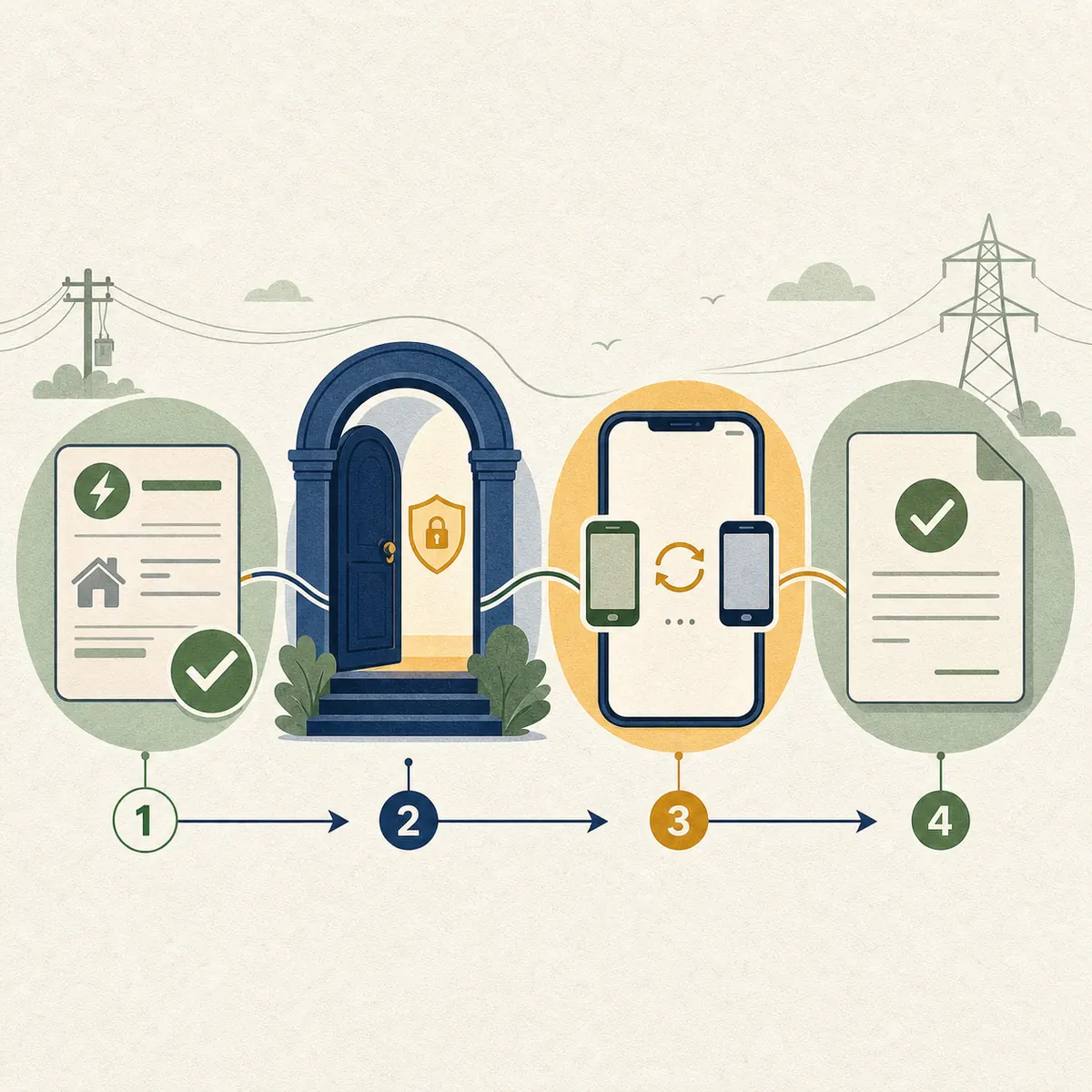
Recommended sequence
- Match the consumer or service connection number with the service address.
- Open the official mobile-number entry and check the full domain before typing.
- Enter the existing account details and the new mobile number exactly as requested.
- Complete only the verification step shown by the official service; never disclose the code to another person.
- Capture the acknowledgement or success message and note the submission date.
- Use Bill Status or the official payment portal later to confirm that the connection record reflects the intended number.
Important distinction
Changing a registered mobile number updates contact information for the electricity connection. It is not the same as changing the consumer name, transferring ownership, linking Aadhaar, paying a bill, or downloading a receipt. Use the page that matches the task.
Choose the right page
Mobile Update, Bill Status, and Other TNEB Tasks
Several TNEB searches mention a registered mobile number, but they do not all mean the same action. Use the intent that matches your immediate problem.
| Your need | What it involves | Best next step |
|---|---|---|
| Change the phone linked to a connection | Account contact update for an existing service connection. | Use the official mobile-number entry. |
| Check whether a bill is due | Current bill, arrears, payment reflection, or service status. | Read the Bill Status guide, then use the official status page. |
| Pay an EB bill online | Payment route and account verification before checkout. | Use the Online Payment guide and official payment portal. |
| Find a payment receipt | Proof of a completed transaction, not a contact update. | Use the Payment Receipt guide and e-Receipt page. |
| Change the connection holder's name | Ownership or record-holder change with separate documents and review. | Read the Name Transfer guide instead. |
This site does not accept a consumer number, mobile number, OTP, payment reference, or identity document. Use it only as a process guide.
Safety checks
Stay Safe When Updating a Registered Mobile
A mobile-number update can affect future alerts and account recovery. Treat unexpected calls, urgent disconnection threats, and payment requests as warning signs.
Verify the domain
Open the service from an official TNEB, TNPDCL, or TANGEDCO channel and inspect the full address. Avoid shortened links and lookalike domains.
Never disclose OTPs
An OTP belongs to the person completing the official action. No agent, caller, or website support contact needs you to forward it.
Do not pay to unlock an update
A request for UPI PIN, card PIN, banking password, remote-control software, or an urgent release fee is not a normal reason to change contact details.
Check the account after submission
If the number does not update or the service details are wrong, stop and contact the responsible official support channel with a non-sensitive reference.
Official verification
Open the Official Mobile-Number Entry
Use the official entry for the actual request. This website is independent and provides guidance only; it does not act as a proxy form or store account information.
Frequently asked questions
TNEB Mobile Number Update FAQ
How can I change my registered mobile number in TNEB?
Open the official TNEB/TNPDCL mobile-number entry, match the service connection, enter the new number in the fields shown, complete any official verification, and save the confirmation. This website does not submit the request for you.
What details do I need for a TNEB mobile number update?
Keep the consumer or service connection number, service address, account-holder details, and access to the new mobile number. The live official form decides which fields and verification steps are required.
Can I change the TNEB mobile number online?
An official mobile-number entry is available for the online workflow, but its fields and availability can change. Start from the verified official domain and use the responsible office or support channel if the page does not accept your connection.
Is TNEB mobile number change the same as name transfer?
No. A mobile update changes contact information. Name transfer changes the connection-holder record and normally needs a separate application, evidence, and review.
Can I update the mobile number without the consumer number?
Most account workflows need a service or consumer reference to identify the connection. Find it on the latest bill or use the Consumer Number guide before trying the official entry.
What if the old registered mobile number is unavailable?
Read the live official options and contact the responsible TNPDCL/TANGEDCO support channel if the form requires a verification method you cannot access. Do not ask an agent to bypass the check or share a code.
Why is my new TNEB mobile number not receiving alerts?
Allow time for the record to update, then check the connection through the official status or payment channel. If the account details are wrong or the update remains pending, use an official support route with the acknowledgement reference.
Is it safe to send my OTP to a TNEB agent?
No. Never forward an OTP, UPI PIN, card PIN, banking password, or remote-access request. Enter sensitive codes only in the verified official flow you opened yourself.
Can a tenant change the mobile number for a rented connection?
The permitted relationship and evidence depend on the live official workflow and the connection record. A tenant should confirm the service address and ask the responsible official channel what consent or record update is required.