Official-first planned outage guide
TNEB Power Shutdown: Check Planned Outages and Power Cuts
Use the official TNPDCL/TANGEDCO shutdown page to verify scheduled maintenance by date and area. This independent guide explains what the notice means, how to distinguish a planned shutdown from an unexpected fault, and what information to save before reporting a problem.
- Verify the date, district or area, substation, feeder and restoration window on the official page
- Do not rely on an old screenshot or forwarded message for today's shutdown status
- Treat an outage outside the listed place or time as a possible local fault
- Keep your service number, address and outage start time ready for a complaint
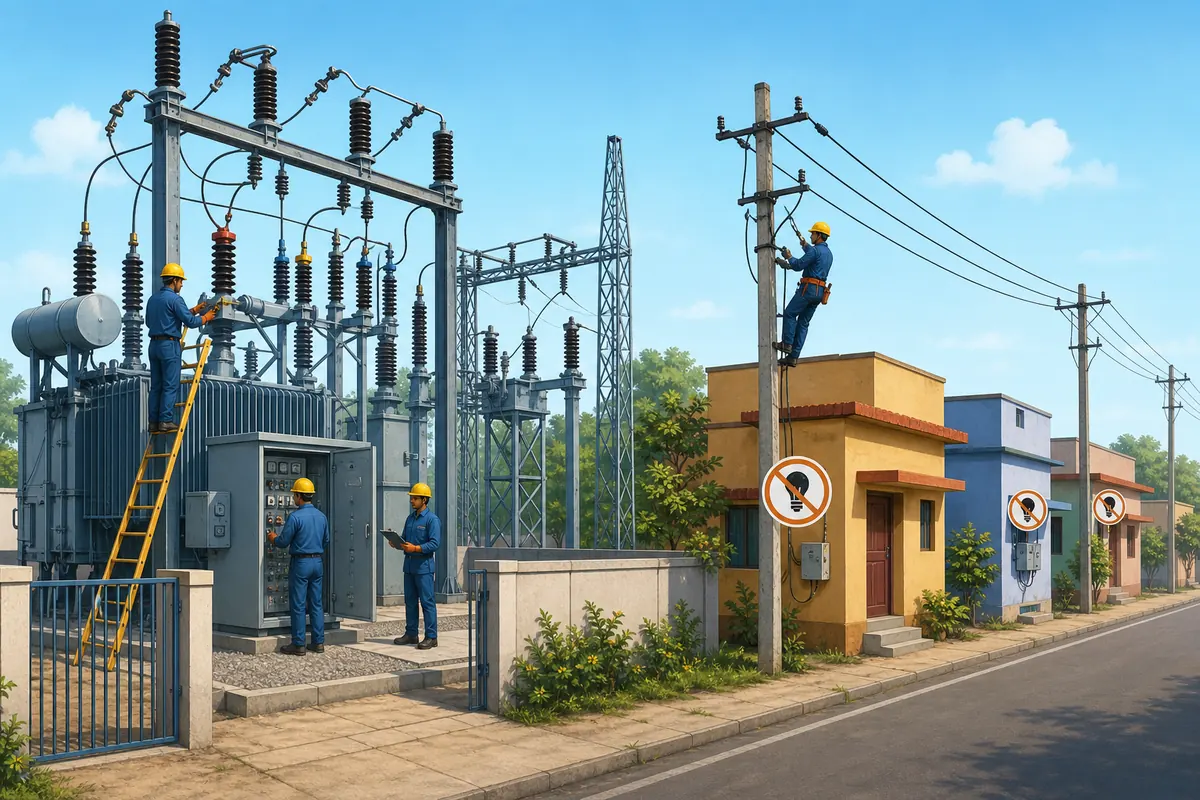
Quick answer
How to check a TNEB power shutdown today
Open the official TNPDCL power shutdown page, choose or review the relevant date, and search the notice for your district, town, substation, feeder or nearby landmark. Confirm the shutdown start time and expected restoration time. Because schedules can be revised, use the live official page each time instead of treating this article as a daily outage list.
TNEB and TANGEDCO remain common search terms, while current official pages may use TNPDCL. This site does not control the electricity network and cannot confirm live supply at a specific address.
Fast verification checklist
- Check the notice date first. A search result or social post may show yesterday's or a future maintenance schedule.
- Match more than the district name. Look for your town, locality, road, substation, feeder or named surrounding areas.
- Read the full time window. Supply can return earlier, but maintenance, weather or field conditions can also extend restoration.
- If your area is not listed, check whether only your building or street is affected before reporting a wider failure.
- For a fallen wire, sparking equipment, fire or electric shock risk, keep away and use the official emergency channel immediately.
Official lookup steps
How to read the TNPDCL power shutdown notice
A planned outage notice is useful only when its date and service area match your location. Read the complete entry rather than stopping at a familiar district name.
1. Confirm the publication and outage date
The date a notice was published may differ from the date electricity will be interrupted. Verify both where shown, especially when searching for a shutdown today or tomorrow.
2. Find the correct operating area
District labels can cover many sections. Search for the town, division, substation, feeder, road, village, landmark or group of localities that is closest to the service address.
3. Check the shutdown time
Note the scheduled start and restoration window. A notice normally describes an expected maintenance period, not a guarantee that every address will lose power for the entire window.
4. Read the affected-area list fully
Utility notices often list several streets, villages or transformers in one entry. Similar locality names can exist in different districts, so use the district and substation together.
5. Recheck before making plans
Weather, urgent network work or operational changes can alter a schedule. Reopen the official page on the relevant day instead of relying on a saved screenshot. If the outage continues, record the service number, full address, start time, nearby supply status and any visible hazard for an accurate complaint.
Identify the situation
Planned power shutdown vs unexpected power failure
A planned TNEB power shutdown is announced for maintenance and usually includes an area and time window. An unexpected failure may result from equipment damage, weather, a local fuse, a service cable problem or another fault that is not shown in the planned schedule.
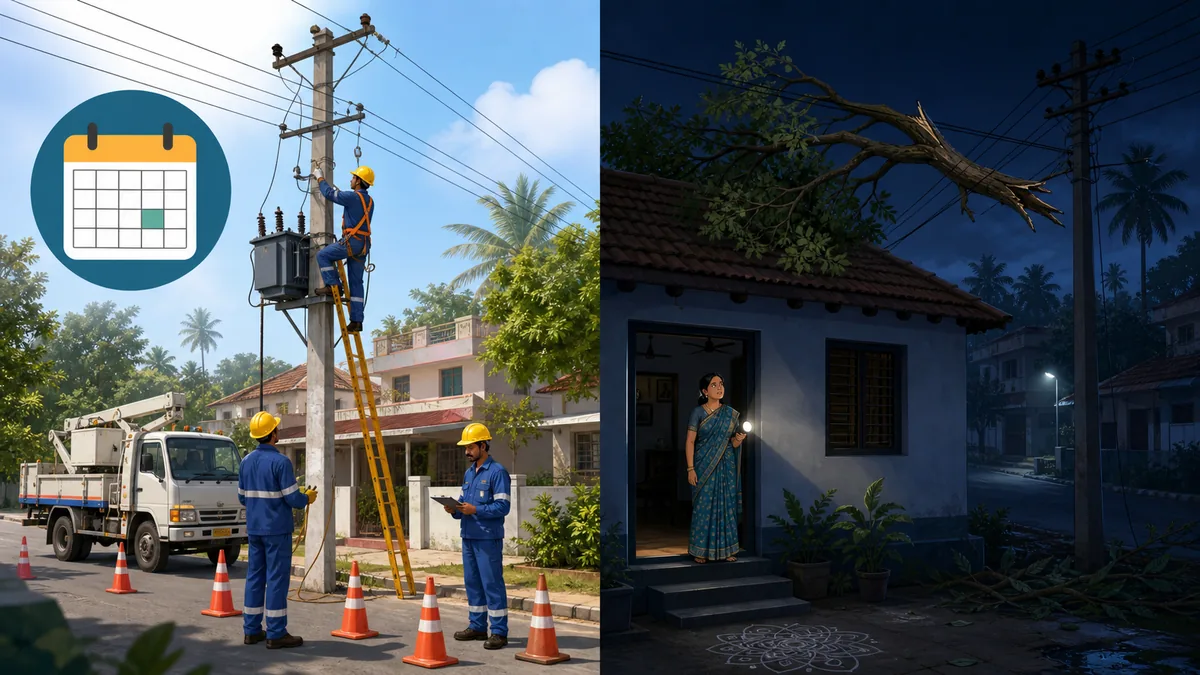
Use these clues
- Planned shutdown: your locality appears in a current official notice and the outage begins close to the stated time.
- Possible network fault: several nearby streets lose supply but no matching planned notice is available.
- Possible premises fault: neighbouring properties have supply while only your home, meter or building is affected.
- Safety emergency: a conductor is down, equipment is sparking, there is smoke, flooding reaches electrical equipment, or someone may be in contact with electricity.
- Do not touch a fallen wire, pole, transformer enclosure or wet electrical equipment. Keep other people away while contacting the utility or emergency services.
Example: a schedule match is not enough by itself
If a notice lists your district but not your locality, feeder or nearby area, do not assume it explains the outage. Check the full notice and nearby supply. If the interruption falls outside the listed place or time, report it as a possible fault using the official channel.
What to do next
Choose the right action for the outage you see
The best next step depends on whether the official schedule matches, how widely the outage is affecting the area, and whether there is an immediate electrical hazard.
| Situation | What it may mean | Recommended action |
|---|---|---|
| Area and time match the notice | The interruption is probably planned maintenance within the published window. | Wait safely, protect sensitive devices and recheck the official notice if restoration is delayed. |
| Area is listed but the time does not match | The schedule may have changed, the outage may be unrelated, or the notice may be old. | Reload the official page and report the interruption if no current notice explains it. |
| Only one home or building is affected | A main switch, internal wiring, meter-side issue, service fuse or building system may be involved. | Check safe accessible switches without opening sealed equipment; use a qualified electrician or official complaint route as appropriate. |
| Several streets are affected without notice | A feeder, transformer or wider distribution fault may have occurred. | Report the location, start time, nearby landmark and service number through the official fault channel. |
| Wire down, sparks, smoke or shock risk | This is a safety emergency, not a routine schedule question. | Stay well away, warn others, avoid water and metal contact, and contact the utility or emergency services immediately. |
Restoration times are estimates. Network safety checks, replacement work, storms and access conditions can extend an outage beyond the original window.
Prepare and stay safe
Practical checks before and during a power cut
Most preparation is simple: verify the notice, reduce electrical risk, protect important equipment and keep enough information for an accurate report.
Charge essential devices
Before a scheduled outage, charge phones, power banks and essential battery equipment. Keep emergency numbers available offline rather than depending on an internet connection.
Protect appliances
Switch off or unplug sensitive equipment where practical. Leave one light on so you can see when supply returns, then reconnect heavy appliances gradually.
Plan for medical needs
People who depend on powered medical equipment should follow their equipment provider's backup plan and arrange help early. Do not rely on an estimated restoration time as a safety guarantee.
Keep food storage closed
Open refrigerators and freezers only when necessary. Food safety depends on outage duration, temperature and how often doors are opened.
Use generators carefully
Never operate a fuel generator indoors or in a poorly ventilated area. Prevent unsafe backfeeding by using properly installed changeover equipment and qualified electrical advice.
Verify messages before sharing
Forwarded shutdown lists can be outdated or incomplete. Share the official page and notice date rather than presenting a screenshot as live confirmation.
Official resources
Use the live official shutdown page
The official page is the controlling source for published planned outages. If the direct link changes, start from the TNPDCL website and look for Power Shutdown or outage information.
Frequently asked questions
TNEB power shutdown FAQ
Where can I check a TNEB power shutdown today?
Use the official TNPDCL/TANGEDCO power shutdown page and verify the notice date, district, locality, substation or feeder, and the stated time window. Do not use this independent guide as a live outage list, because planned schedules can change and search results may surface old notices.
How do I check a TNEB power shutdown tomorrow?
Open the official shutdown page and look for the date you need. Confirm that the entry specifically names your operating area or nearby localities. Recheck on the day of the shutdown because operational or weather conditions can change the plan.
Why is there a power cut if my area is not in the shutdown list?
The interruption may be an unexpected feeder or transformer fault, weather damage, a service cable problem, or an issue limited to your building. Check whether nearby properties have supply, verify the current official notice, and report the outage with your service number, address and start time if no plan matches.
When will power return after a planned shutdown?
Use the restoration window in the current official notice as an estimate. Supply may return earlier, but maintenance complexity, safety tests, access problems or weather can delay restoration. If the window has passed, recheck the notice and use the official complaint channel.
What information should I provide when reporting a power failure?
Prepare the consumer or service number, full address, district or section, nearby landmark, outage start time, whether neighbours are affected, and details of any wire, pole, transformer, smoke or sparking hazard. Never approach damaged electrical equipment to collect evidence.
What should I do if a wire has fallen during an outage?
Stay well away, keep other people and animals clear, avoid water and metal fencing near the wire, and contact the electricity utility or emergency services immediately. Treat every fallen conductor as energized even when the surrounding area has no power.