TNEB Payment Receipt Guide
TNEB Bill History: Find Payment Receipts
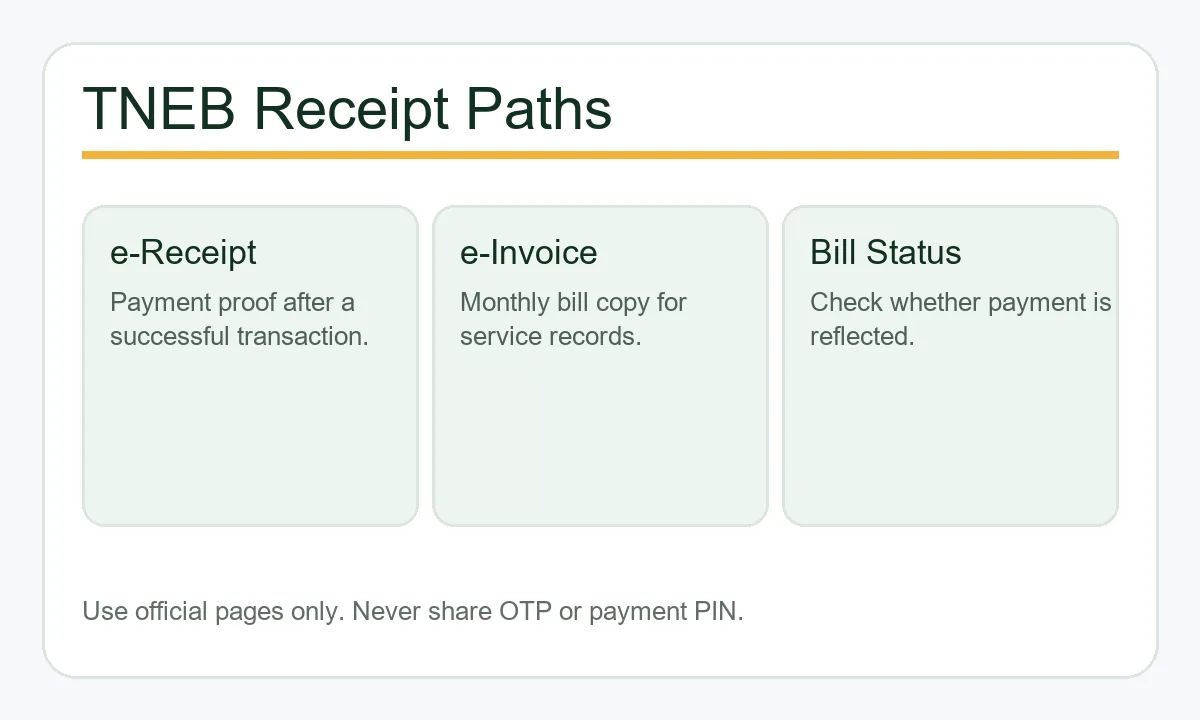
Use the official route that matches your record: e-Receipt for payment proof, e-Invoice for a bill copy, and Bill Status when you need to confirm the account.
- Use the right official receipt page
- Know receipt, invoice, and bill status differences
- Prepare consumer number and transaction details
- Avoid fake receipt and payment links
Quick Answer
How do you check TNEB bill history?
TNEB bill history is easier to use when you separate the monthly e-Invoice, the payment e-Receipt, and Bill Status. Use e-Receipt for proof of payment, e-Invoice for a bill copy, and Bill Status to confirm that the account is updated. Keep the consumer number, receipt or transaction reference, and payment date together.
TNEB is still the common search term, but many official pages now use TNPDCL or TANGEDCO naming. Always confirm that the domain is an official tnebnet.org, tnebltd.gov.in, or TNPDCL/TANGEDCO channel before entering consumer details.
Quick Answer
- Paid online and have a receipt number: open e-Receipt.
- Need bill copy for a month before or after payment: open e-Invoice.
- Payment is doubtful or not reflected: check Bill Status first.
- Paid through an app or bank: keep the app reference and compare it with the official status.
- Never share OTP, card PIN, UPI PIN, or banking password to download a receipt.
Receipt vs Invoice
TNEB e-Receipt vs e-Invoice vs Bill Status
Searchers often use these terms interchangeably, but each page solves a different problem. Choosing the right page saves time and avoids repeated failed downloads.
| Page or document | What it is used for | Use it when |
|---|---|---|
| e-Receipt | Proof that a payment transaction was recorded. It usually needs consumer number, receipt number, and transaction date. | Use it after payment when you need a receipt for records, reimbursement, rent files, or society submission. |
| e-Invoice | Bill invoice for a billing month. The official page asks for consumer number, registered mobile number, and month/year. | Use it when you need the bill copy or invoice, not only the payment proof. |
| Bill Status | Current status lookup for a service connection using service connection number and registered mobile number. | Use it to confirm whether payment is reflected, arrears remain, or a fresh bill is available. |
| Quickpay status | Payment and acknowledgement flow used by the TNPDCL Quickpay page. | Use it when you paid through Quickpay or have an acknowledgement number from that flow. |
Download Steps
How to Download a TNEB Payment Receipt Safely
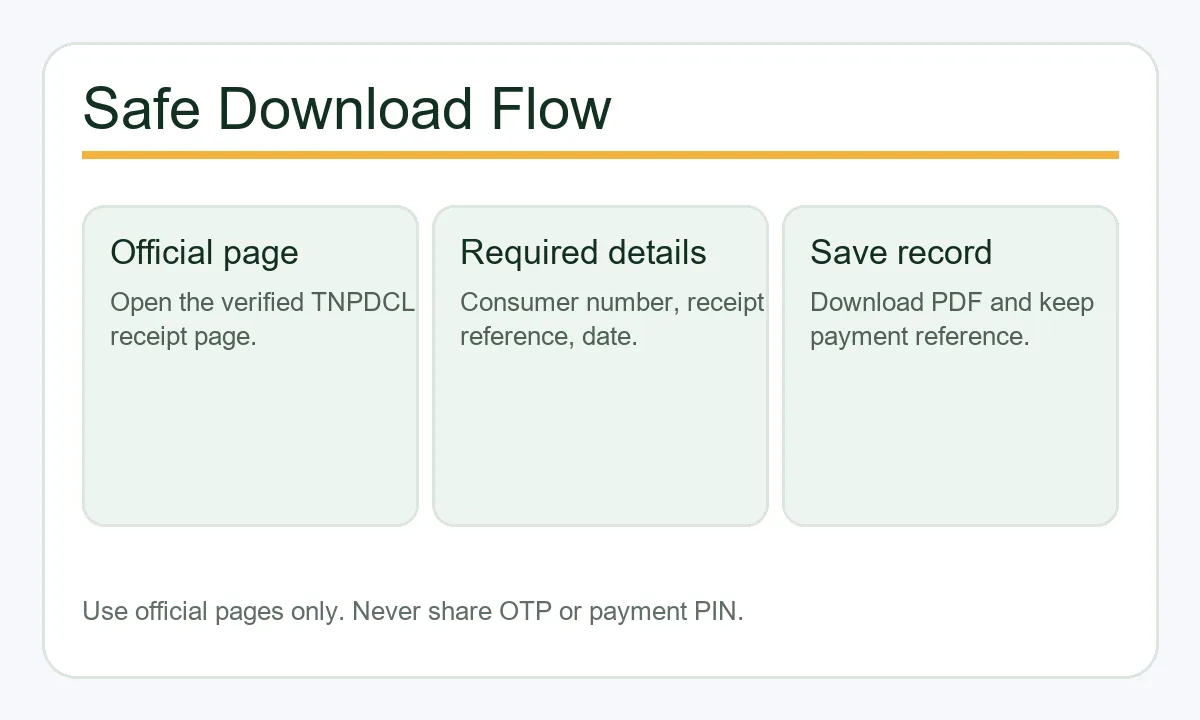
The exact buttons can change, but the safe workflow is stable: confirm the official domain, choose the correct page, enter only the required service details, and save the receipt as a PDF or printed copy after the official page generates it.
Download Steps
- Open the official e-Receipt page from a bookmark or the links below instead of a random social media link.
- Enter the consumer number exactly as shown on the bill or SMS. Do not remove leading zeroes.
- Enter the receipt number or transaction reference from the successful payment message.
- Use the transaction date in the requested DD/MM/YYYY format when the page asks for it.
- Download the receipt in the available language and save a copy with the billing month in the filename.
- If no receipt appears, check bill status and wait for settlement before paying again.
Record-keeping example
If you paid the May bill on 12/06/2026, save the receipt as TNEB-May-2026-paid-2026-06-12.pdf and keep the bank or UPI reference until the official status is updated.
Troubleshooting
What to Do When the Receipt Is Missing or Wrong
Most failed receipt searches come from a mismatch between payment reference, date, consumer number, or settlement timing. Work through these checks before making another payment.
Receipt number not found
Check whether you entered the official receipt number rather than the bank or UPI reference. If payment was just completed, wait and retry after status updates.
Wrong date format
Use the date format requested by the page, commonly DD/MM/YYYY. A correct payment can fail lookup if the date is typed in another format.
Payment debited but bill still pending
Do not immediately pay again. Check Quickpay or Bill Status, keep the bank reference, and wait for settlement or use official support.
Need an old bill copy
Use e-Invoice when you need the bill or invoice for a month. Use e-Receipt only when you need proof of a completed payment.
Mobile number mismatch
Bill Status and e-Invoice may require the registered mobile number. If it changed, use the official update path before relying on third-party help.
Fake support risk
Receipt download should not require remote-access apps, UPI PIN, OTP, card PIN, or banking password. Treat those requests as unsafe.
Make the bill history easier to recover
Use TNEB Bill History to Match the Right Payment Record
TNEB bill history can include several different records: a monthly bill or e-Invoice, a payment acknowledgement, an e-Receipt, and the current Bill Status. These records answer different questions. The invoice identifies the billing period and amount, while the receipt proves that a payment transaction was recorded. Start with the document you actually need instead of trying random receipt numbers.
Before opening the official lookup, collect the consumer or service connection number, the transaction date, and any receipt, bank, UPI, or acknowledgement reference. Keep the original payment message until the official record is saved. If the account was debited but the receipt is not visible, check Bill Status and wait for the official record to settle before making another payment.
This site does not generate a receipt and does not verify your account. It only explains the route and the difference between records. Enter personal or payment details only on the complete official domain, and use a complaint or support route when a genuine payment remains unresolved.
Invoice is not receipt
An e-Invoice represents a bill for a period. An e-Receipt records a payment transaction. Save both when your work requires the bill and proof of payment.
Keep the reference
A bank or UPI reference can help support teams trace a debit, but it may not be the same as the official receipt number. Preserve the date and amount too.
Verify before repeating
If money left the bank, check official Bill Status before paying again. A delayed posting can make a valid payment look incomplete for a short time.
Official verification
Use Official TNPDCL Pages for Receipts and Status
This guide explains the workflow and links to official pages. The official portal is the source for receipt generation, bill status, payment confirmation, arrears, and service connection records.
FAQ
TNEB Payment Receipt FAQ
How do I check TNEB bill history and download a receipt?
Open the official e-Receipt route, enter the consumer number and receipt or transaction reference requested, and use the payment date if required. If the debit is recent, check Bill Status before paying again.
Is e-Receipt the same as e-Invoice?
No. e-Receipt is proof of payment, while e-Invoice is the bill or invoice for a billing month. Use the page that matches the document you need.
What details are needed for TNPDCL e-Receipt?
The official e-Receipt page asks for consumer number, receipt number, and transaction date. Keep the payment confirmation message until the receipt is saved.
What should I do if the amount was debited but no receipt is available?
Do not rush into a second payment. Check bill status, wait for settlement, save the bank reference, and use official complaint or support channels if status does not update.
Can I use a third-party app receipt as proof?
It can be useful as temporary payment evidence, but the official receipt or bill status is the stronger record for service connection payment history.
Is it safe to download the receipt from chat or phone support links?
Use only official domains or verified app stores. Do not enter OTP, UPI PIN, card PIN, or banking password on links sent by unknown contacts.
Which page should I use before paying again?
Use Bill Status or the same Quickpay flow to confirm whether the payment has been reflected. Paying again too soon can create reconciliation work.
Does this site store my consumer number?
No. This page is only a guide and does not ask for or store consumer number, mobile number, receipt number, or payment details.
Can I download a TNEB bill PDF with my consumer number alone?
Open the official bill-history or e-Invoice service and enter the consumer or service connection number where requested. The portal may require additional verification or sign-in, so a number alone is not guaranteed to unlock a PDF. e-Invoice is the monthly bill copy; e-Receipt is payment proof. Avoid unofficial generators, and check Bill Status before paying again.
How do I download a TNEB bill payment receipt online?
Open the official e-Receipt path, enter the consumer number and receipt or transaction reference requested by the page, then use the transaction date if required. If the payment was just made, check Bill Status before paying again.